PO Trading - Invest & Trade
 Installation guide →
Published by Pocket Option Worldwide
Learn and practise with virtual funds. Explore our trading simulator on Google Play.
View on Google Play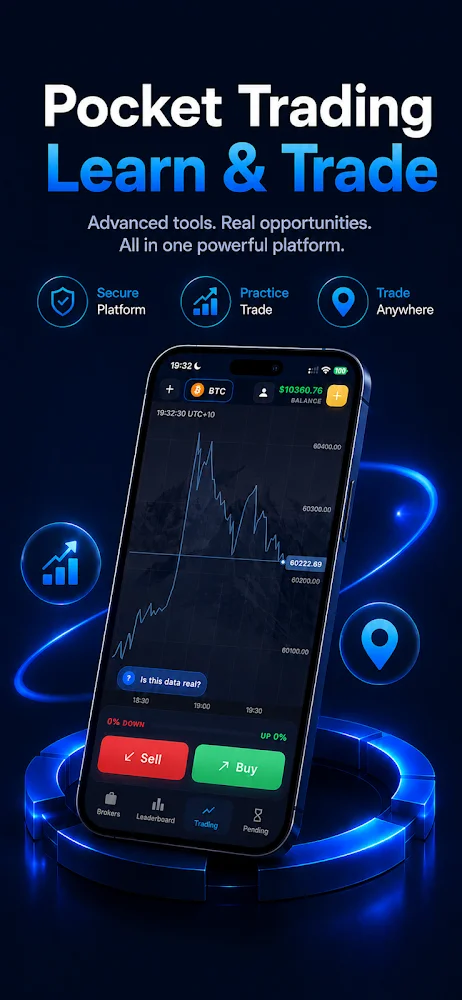
Preview supplied by the publisher; interface may differ.
Open the Google Play listing, check device availability, then tap Install.
Open the app and follow the on-screen setup instructions.
Google Play simulator: education and virtual practice only. No real-money trading, deposits or withdrawals.
Google Play simulator: education and virtual practice only. No real-money trading, deposits or withdrawals.
Searching for the Pocket Option app on Google Play? This listing is PO Trading - Invest & Trade, package com.pockettrading.academy. It is an education and virtual trading simulator, separate from the Pocket Option APK and PC downloads. Check the app name, developer and device availability in Google Play before installing.
A useful Pocket Option review separates account access, demo practice and real-money trading. Use the genuine Pocket Option login page for account access; never send a password to a review site. Demo results do not establish future returns. Check current fees, withdrawal conditions, identity checks and regional eligibility before opening a funded account.
The Google Play link supplied for this page identifies com.pockettrading.academy. PO Trading - Invest & Trade is the app name supplied by its owner. The listing describes education and virtual trading practice. It is a separate product from the Pocket Option APK and Windows installer linked elsewhere on this website.
Open the Google Play button, confirm the app name and developer, select an eligible Android device and choose Install. Store availability and installation requirements can vary by device and region. Google Play displays the requirements applicable to your device.
Do not assume a simulator account is a Pocket Option broker account or that balances transfer between them. This app is presented as education and simulation with virtual funds, not real-money trading, deposits or withdrawals. Use Pocket Option’s own login for a Pocket Option account.
Use the separate Android APK or Windows PC installation guides in the menu. Those pages identify their file formats and installation steps so you can select the download for your device.
Installation guide →Official Pocket Option web app (PWA). Install from your browser.
Install on iPhone / iPad
Affiliate website. Pocket Option downloads and the Google Play simulator are separate products. Trading involves risk; availability depends on your region.
Google Play and the Google Play logo are trademarks of Google LLC.


 iPhone / iPad